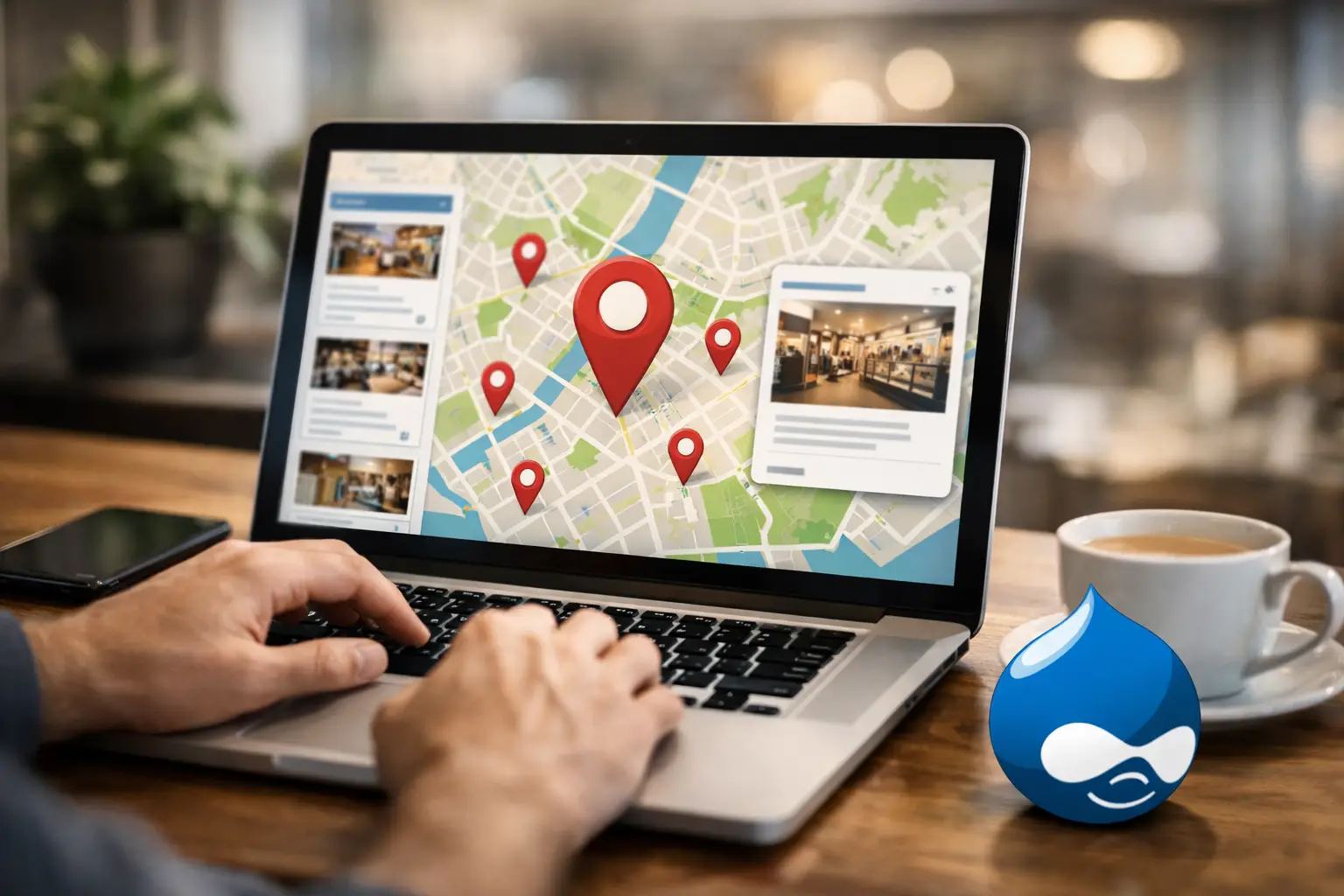
When a customer lands on your website ready to visit, the locator experience should not slow them down. A Drupal store locator plugin is often the last step between online intent and an in-person visit, which means small usability problems can turn into missed traffic, missed calls, and missed revenue.
For multi-location brands, this is not just a design detail. It is an operational tool. Marketing teams need it to support campaigns. Franchise operators need it to represent each location accurately. Web admins need it to be easy to deploy and maintain. And customers need it to work immediately, especially on mobile.
Why a Drupal store locator plugin matters
A store locator tends to be judged by one simple question: did the customer find the right location quickly? If the answer is yes, the tool is doing real commercial work. If the answer is no, even a visually polished website can create friction right before conversion.
That is why the best locator tools focus less on novelty and more on reliability, search accuracy, and speed. A business with ten locations can sometimes work around weak functionality. A business with hundreds of dealers, branches, ATMs, restaurants, or service points usually cannot. At that scale, the locator needs to handle messy real-world conditions like duplicate city names, international postal code differences, category filtering, mobile traffic, and frequent data updates.
Drupal is flexible enough to support sophisticated digital experiences, but flexibility also means you have choices. Some teams want a fully custom build. Others want a hosted tool they can embed or connect without committing internal development time. Neither approach is automatically right. The better choice depends on your timeline, internal resources, and how critical location search is to your business.
What to evaluate before choosing a plugin
The first thing to check is search behavior. Many buyers focus on map appearance first, but customers care more about whether they can type an address, ZIP code, city, or current location and get useful results fast. If your audience spans multiple countries, postal code support becomes even more important. Not every locator handles international address formats well, and that limitation usually shows up after launch, when fixing it is more painful.
Mobile performance deserves equal attention. Most location searches happen on phones, often when someone is already on the move. A locator that looks acceptable on desktop but feels cramped or slow on mobile is costing you convenience at the exact moment the customer is ready to act. Tap targets, map rendering, search speed, and click-to-call behavior all affect whether someone visits a store or gives up.
You should also look closely at data management. A small business might update locations manually without much trouble. A larger network needs a more disciplined setup. If you manage store hours, temporary closures, categories, promotions, or region-specific location details, the system has to make updates easy and dependable. Otherwise, your team ends up avoiding changes because the process is too slow.
Then there is filtering. For dealer networks and complex location structures, category support matters more than many buyers expect. A customer may not just want the nearest location. They may want a service center, a premium dealer, a branch with a specific product line, or a site with accessibility features. A locator that supports layered categories can help customers narrow choices quickly instead of scanning a generic list.
Build it in Drupal or use a hosted locator?
This is where the decision usually gets practical. A native Drupal approach can make sense if your team has strong development capacity and wants full ownership of every component. You can tailor the user experience closely to your site architecture, but you also take on maintenance, hosting performance, API dependencies, and long-term support.
A hosted locator paired with Drupal often makes more business sense when speed, reliability, and lower maintenance are priorities. Instead of building core location search infrastructure from scratch, your team can deploy a specialized tool and focus on branding, campaign execution, and content. For many multi-location businesses, that trade-off is worth it because the locator is not the place where they want to build custom complexity.
There is also a hidden cost issue here. Custom projects can appear attractive at the start because they promise control. Over time, though, ongoing updates, map changes, search tuning, and support needs can make a custom locator far more expensive than expected. A hosted solution shifts that burden away from your internal team and turns it into a predictable operating expense.
Features that actually affect conversion
Not every feature deserves equal weight. Businesses often compare plugin checklists, but the more useful question is which features improve customer action.
Search radius control matters because customers think geographically in different ways depending on the category. Someone looking for an ATM may want the closest result. Someone shopping for a specialty retailer may be willing to travel farther. Good radius options support both behaviors.
Accurate geolocation helps customers who do not want to type anything at all. On mobile, this can dramatically shorten the path to a visit. But it only works well when paired with strong fallback search options. Geolocation is helpful, not a substitute for precise manual search.
Location detail pages also matter. Customers often need more than an address. Hours, phone numbers, services offered, directions, and location-specific notes reduce friction and help them commit to a visit. This is especially useful for brands with mixed location types or variable service availability.
Analytics are another major differentiator. If your locator is driving foot traffic, you should be able to measure how customers use it. Search volume, geographic demand, device behavior, and popular locations can tell marketing teams where interest is strongest and where your local presence may need better support. That makes the locator not just a convenience tool, but a source of commercial insight.
Common mistakes with Drupal locator projects
One common mistake is treating the locator as a minor site feature instead of a revenue support tool. When teams under-scope the project, they often launch with weak search logic, incomplete location data, or a poor mobile experience. The result is usually predictable: customers search, hesitate, and drop off.
Another mistake is planning only for launch day. Location networks change constantly. Hours shift, branches open, dealers close, service categories expand, and local details evolve. If your Drupal store locator plugin is difficult to update, the locator becomes less accurate over time, which damages trust quickly.
Businesses also underestimate reliability. A locator that loads slowly or fails during peak traffic can disrupt both customer experience and campaign performance. If you are driving paid traffic to location pages or running regional promotions, uptime is not just a technical metric. It is part of customer conversion.
Finally, some teams choose tools that work for simple store lists but break down under network complexity. International markets, nested categories, high location counts, and distributed administrators all create real operational demands. What works for a ten-location retailer may not work for a dealer network with several hundred records and different service types.
The best fit depends on your operating model
If you manage a small number of local branches and have in-house Drupal resources, a simpler plugin or custom approach may be enough. If your location footprint is growing, your data changes often, or your team needs dependable performance without extra development overhead, a specialized hosted locator will usually offer more long-term value.
That is especially true when your website is expected to do more than display addresses. If the goal is to turn online visitors into in-store customers, your locator should support fast search, responsive design, rich location details, filtering, and measurable engagement. Those are not extra features. They are part of the conversion path.
For many Drupal teams, the best answer is not the tool with the longest feature list. It is the one that reduces friction for both customers and administrators. A platform like Xtreme Locator fits that model because it is built specifically for businesses that depend on accurate location search across complex networks, without forcing them to build and maintain that infrastructure themselves.
A Drupal store locator plugin should make location discovery feel easy for the customer and manageable for your team. If it does both consistently, it is not just supporting your website. It is supporting every store, branch, dealer, or service point that depends on digital traffic to bring people through the door.